Select and customize the fundraising method best suited for your organization
BetterWorld seamlessly integrates with both online and in-person auctions
Impress donors with creative raffle items and elegant online raffles
Create attractive donation pages that maximize donor impact and boost online giving
Want to build an effective fundraising campaign?
Our team is here to give you more details and guides on how to grow your fundraiser.
Book a demo →
4 Easy ways to use Canva for your campaigns
By Team BetterWorld on
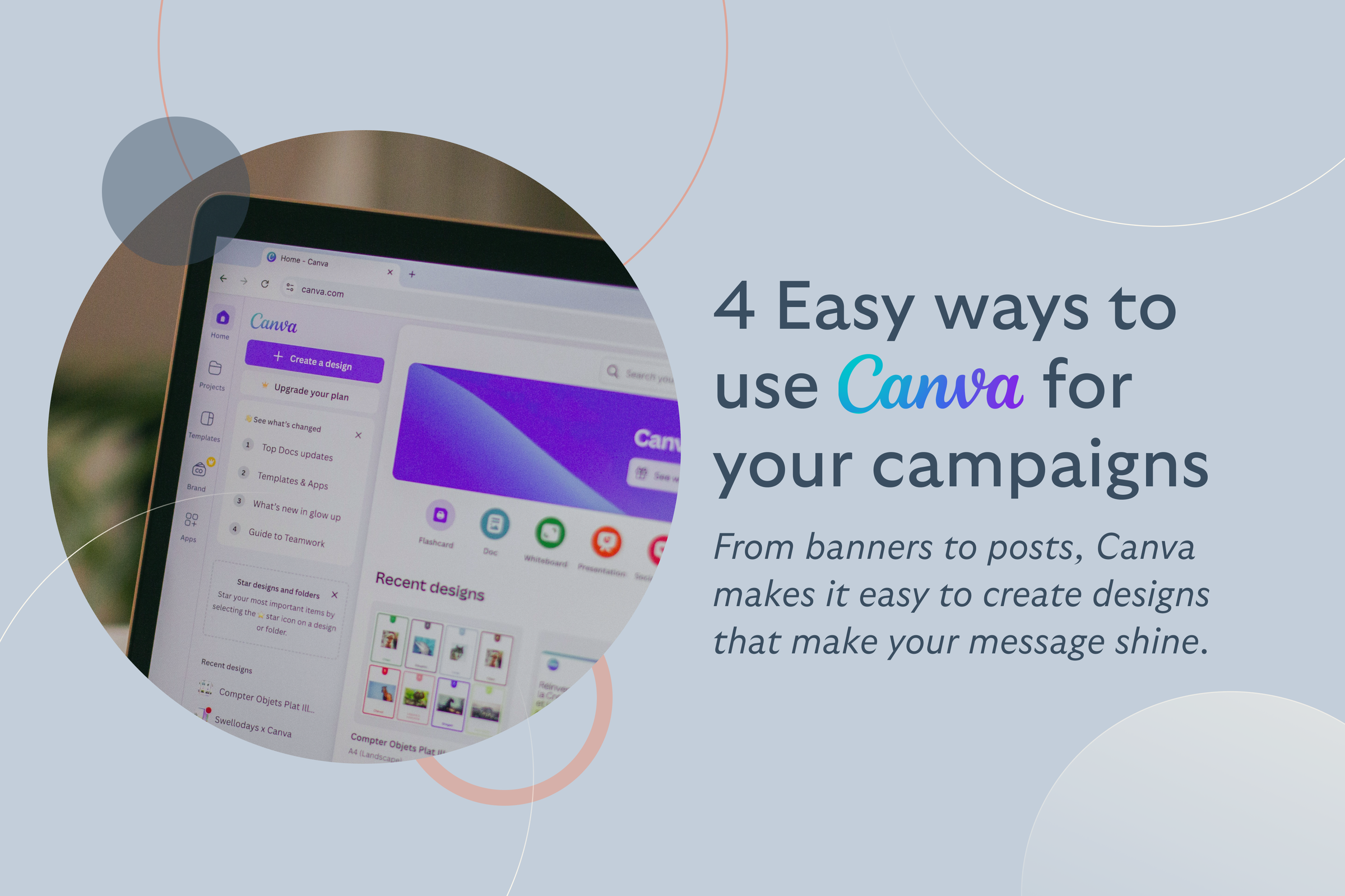
Canva has become one of the easiest tools for nonprofits to design professional-looking campaigns without needing a graphic design background. From donation banners to social media posts and event flyers, Canva keeps it simple and provides everything you need to make your message shine.
As of 2025, over 220 million people use it, up from 130 million just last year, and they’ve created more than 30 billion designs so far. Even better, Canva for nonprofits offers full access to premium features at no cost.
Let’s look at four easy ways to use Canva to boost your next campaign.
1. Campaign banners
Your campaign banner is the first thing people see when they land on your fundraising page—so it should serve as a good first impression. A good banner instantly shows what your campaign is about and why someone should care.
Some ideas: Start with a strong, on-brand image. That might be a photo of the community you serve, a local project in action, or anything that captures your mission at a glance. Pair it with a short, powerful tagline and your logo. This combo sets the tone and builds trust from the start.
With Canva, creating a professional-looking banner doesn’t take hours or a design degree. You can use pre-sized templates for web banners or posters and tweak them with your nonprofit’s colors, fonts, and photos. It’s all drag-and-drop. Canva also makes it easy to align your banner design with your existing brand style, so every campaign feels connected but fresh.
2. Event promo materials
If you’re hosting a fundraiser, auction, gala, or community event, the way you present it visually can make a big difference. With Canva, you can create everything you need to promote your event, keeping it all consistent and cohesive, as if it came from the same playbook.
You can build branded auction banners, flyer designs with QR codes, digital save-the-dates, and even printable tickets. What makes it work? Everything matches. Same colors, same fonts, same feel. That consistency not only makes the event look more professional but also helps people recognize our branding wherever they see it on a poster, in their inbox, or on social media.
Canva’s templates make this super easy. You can pick from flyers, postcards, posters, and web banners. Just choose the format and plug in your details. For example, if you’re hanging posters in your local area, design one with a bold headline and QR code that links straight to your ticketing or donation page.
Try BetterWorld’s robust suite of charity & nonprofit fundraising tools for FREE!
3. Social media
Strong visuals are a must when you’re trying to get noticed on social media. Platforms like Instagram, Facebook, and X are crowded, and posts with eye-catching images consistently outperform plain text updates.
With Canva, you can design scroll-stopping graphics that help your campaign stand out and get seen and shared. It’s easy to create branded posts, stories, banners, and reels using Canva’s ready-made templates. They’re already sized for each platform, and with the Magic Resize feature, you can turn one design into versions for all your channels without starting from scratch.
When planning your content, go beyond the usual announcements. You might design a poll or quiz to spark interaction, share a live goal tracker to update your followers, or post a teaser about your upcoming event. Canva even lets you create custom thank-you graphics to recognize your donors stylishly.
The more engaging your visuals are, the more people will interact with your posts, and the further your message can spread.
4. Email campaign graphics
Emails are still one of the most reliable ways to reach your supporters, but grabbing their attention isn’t always easy. People receive a flood of emails every day, and plain text often gets overlooked. That’s where visuals come in.
With Canva, you can design standout graphics that give your emails a polished, branded look. From custom headers and banners to small visual highlights like badges or callouts, these design touches can make your message feel more engaging. A well-placed image at the top of your email sets the tone immediately and encourages readers to continue.
Think about how you want your email to feel. Want to greet new supporters? Add a warm welcome banner. Sending a campaign update? Drop in a graphic that shows your fundraising progress. Need a visual call to action? Design a button-style image that says something like “Donate Today” or “Goal 80% Reached.” Canva makes all of this quick and straightforward with easy-to-use templates and drag-and-drop tools.
BetterWorld + Canva: Design without leaving your dashboard
All of these creative ideas become even more powerful when you don’t have to bounce between tools. That’s why we’re excited to announce BetterWorld’s new Canva integration, which brings Canva’s full design capabilities right into your dashboard.
You can now create campaign assets such as banners, social media images, event graphics, email visuals, and more directly within BetterWorld.
Give it a try as you plan your next campaign – we can’t wait to see the inspiring banners, flyers, and posts you create, all within BetterWorld, to take your fundraising to new heights!
Join 105,000+ amazing nonprofits, organizations, and fundraisers on BetterWorld

Let our FREE fundraising tools help you raise more funds with less effort